Multiboxing for
Unofficial fan project
Multibox WoW: Forever.From one window.
Manual multiboxing. One key press, one window, one action. Overbox tells you what to do next and sets up your windows, bars and keys.
- Manual play
- No input broadcasting
- Rules first
Rare emails. Unsubscribe any time.
Your party
Solo to 5 charactersManual multiboxing
You play every character yourself
Every key press, move and cast is yours. Overbox advises and sets things up. It never plays for you.
Nothing you do in one window is copied to another. One key press, one window, one action.
Every feature is checked against Blizzard’s published policies before it ships.
Blizzard allows playing several accounts by hand and does not allow software that copies your input between windows. Blizzard’s policy · 2021 update. Overbox is not approved or endorsed by Blizzard.
Not another leveling guide
One tool instead of a pile


Interface setup
Every window laid out for its job


Macros and party chores
You press the keys. Overbox makes each one count.
- 1Macros written for each class
- 2Followers show what the leader chose
- 3You confirm it in each window
 !
 !
 !
 !!!!!!!!!!!!!!!!!!!!!
Each window waits for your click.


Any monitor, any party size
Solo to five, on the screens you have
Screens
The full plan is one click away
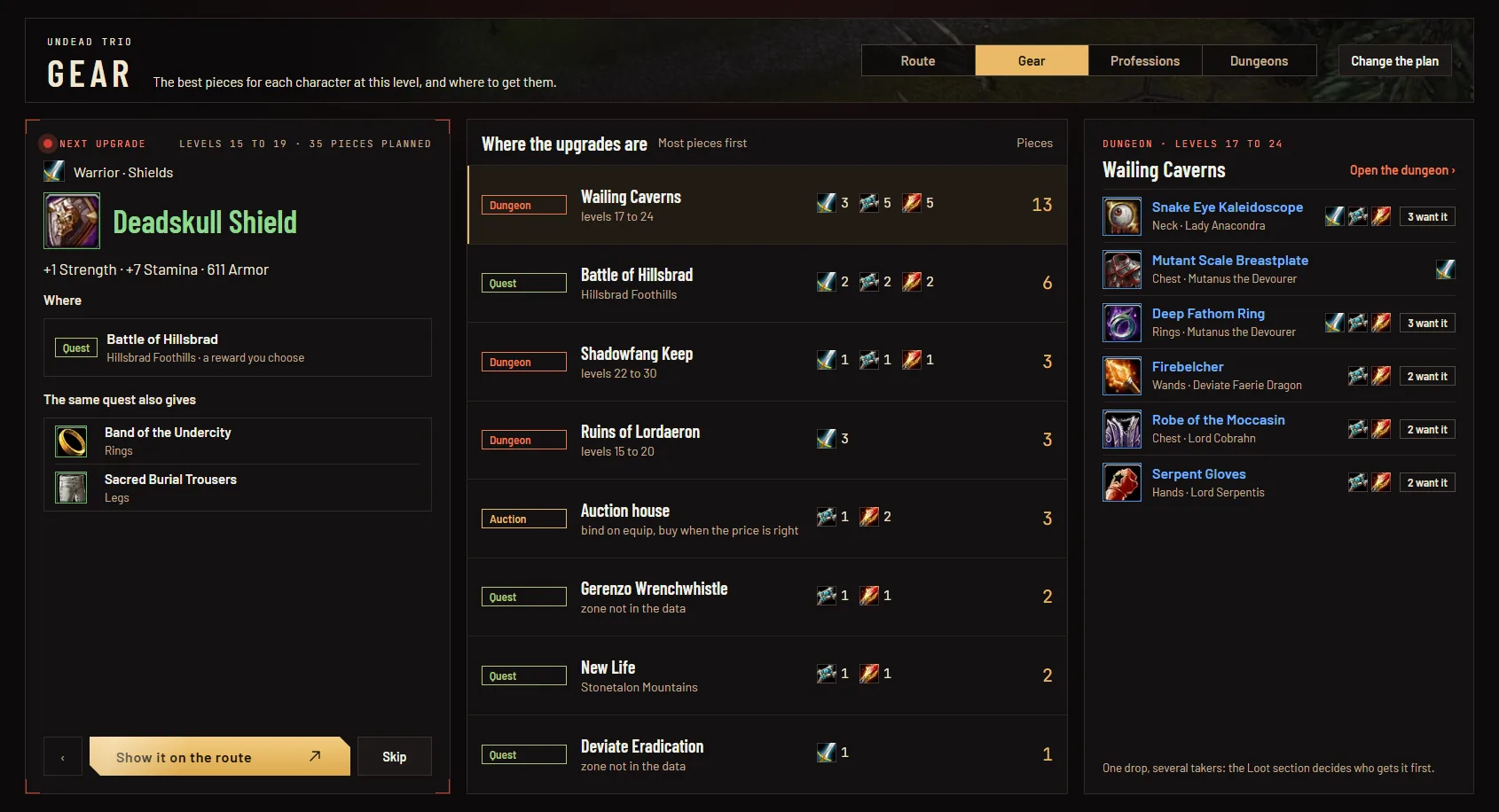
Swipe the picture to see all of it
GearThe next upgrade for each character and where to get it.
Roadmap
Where development stands
- DesignDone
- Party displayIn progress
- In-game layoutIn progress
- Command centerIn progress
- Live guidanceIn progress
- Keys and macrosPlanned
- In-game mapPlanned
- Loot and vendorsPlanned
- Smarter advicePlanned
- Public releasePlanned